
RSyslog Windows Agent 8.1 Released
Adiscon is pleased to announce the release of Rsyslog Windows Agent 8.1.
This release brings significant improvements to the platform’s reliability and functionality. The Mail Action has been modernized with improved SMTP logic and better error handling for email delivery.
Key security and stability improvements include fixes for memory leaks in the REGEX Filter and file compression systems, as well as enhanced timestamp processing to prevent conversion errors. Event Log monitoring now supports microseconds precision for improved compliance with RFC standards.
Detailed information can be found in the version history.
What to do when an External Script does not work?
When a script runs fine interactively but fails in the rsyslog context (i.e., when executed by a background process or as part of a service) it typically indicates differences between the interactive environment and the service environment. Most importantly, it is not rsyslog itself you need to look at. Check the system config and debug your script so that you can obtain maximum information on why and when it fails.
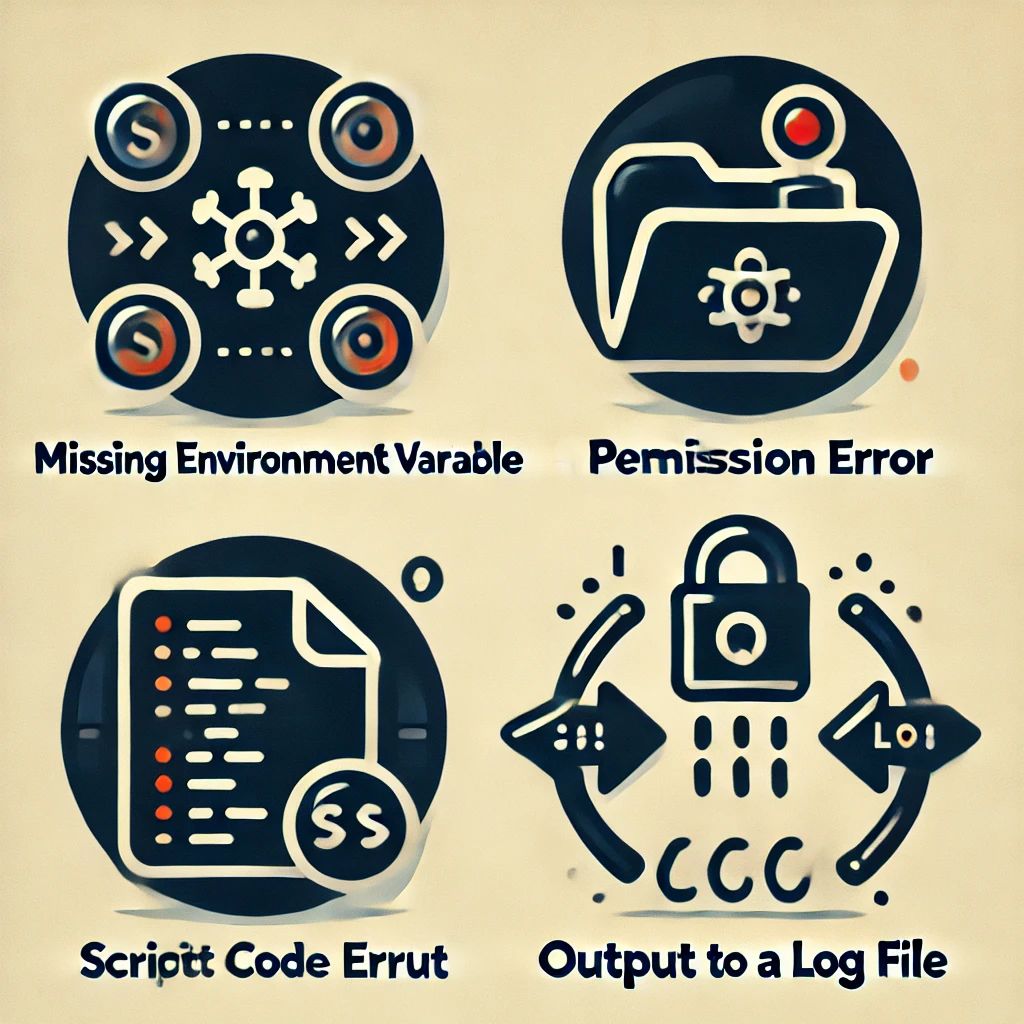
If you know exactly that rsyslog cannot start the script, check that it has sufficient permissions and that all pathes are correct (use absolute pathes!).
Besides that general advice, here are some common reasons why the problem can happen and suggestions for debugging:
Continue reading “What to do when an External Script does not work?”Documentation Improvement and AI
For a long time, I struggled with the daunting task of enhancing the documentation for Rsyslog. My extensive knowledge of Rsyslog technology often made it challenging for me to create user-friendly documentation, especially for individuals with little to no syslog background. Additionally, as a non-native English speaker, I was aware that some of my sentences might be harder to understand than desired. But thanks to the breakthroughs in generative artificial intelligence (AI), the game has changed, and a new era of documentation improvement has begun.

RSyslog Windows Agent 7.5 Released
Release Date: 2023-10-18
Build-IDs: Service 7.5.0.225, Client 7.4.0.315
Bugfixes |
|
You can download Free Trial Version of RSyslog Windows Agent.
RSyslog Windows Agent 7.4 Released
Release Date: 2023-06-21
Build-IDs: Service 7.4.0.223, Client 7.4.0.315
Bugfixes |
|
You can download Free Trial Version of RSyslog Windows Agent.
RSyslog Windows Agent 7.4 Released
Adiscon is proud to announce the 7.4 release of Rsyslog Windows Agent.
This latest release delivers enhanced stability and improved error handling, reflecting our commitment to offering our customers the most secure and efficient solutions. Key updates include vital improvements to our Syslog Action functionality. Our engineers have resolved a rare situation where an Action might have attempted to establish multiple TCP connections with the same target simultaneously. Also, in the event of a connection failure, error handling has been improved to retry the primary server correctly if a Syslog backup server is active and Syslog caching has been activated.
We have also made significant advancements in our EventLog Monitor V2 by fixing an XML-Stream processing issue that could impede processing an EventLog message. Changes in our Network Core further amplify system stability during connection closures.
Finally, we’ve enhanced our LogRotate functionality, improving error reporting for situations where the feature is unavailable due to licensing limitations. As always, Adiscon remains committed to providing superior system reliability, robust security, and exemplary customer support. Stay tuned for more updates on our continuing development.
Detailed information can be found in the version history.
rsyslog on AWS – Applying Configuration Changes
Once you’ve updated the configuration of the AWS rsyslog application, it’s important to manually apply the new settings as rsyslog doesn’t do this automatically. This is to prevent partial changes from being loaded and potentially causing issues.
The AWS rsyslog AWS application provides a dedicated tool, rsyslogctl, which can be used to check and reload the configuration. During the reload process, rsyslogctl determines the most efficient way to apply the changes. For example, some changes like drop rules can be applied without interrupting message processing, while others require a full restart, causing a brief interruption.
Continue reading “rsyslog on AWS – Applying Configuration Changes”AWS rsyslog – Meta Configuration
The “meta configuration” is provides a simple-to-use way for rsyslog server customization, without the need to manage rsyslog.conf and it’s helpers directly.
The configuration is stored inside the text file “rsyslog-features.env” in “/opr/rsyslog/config“. Each line consists of a keyword, an equal sign, and an associated value. The AMI file contains this file with default settings. The CloudFormation script generates an initial file based on data provided by the user during the CloudFormation process.
This is an example of a meta-config file:
# Internal Statistic Counters
RSYSLOG_PSTATS_ENABLED="on"
RSYSLOG_PSTATS_FILE_ENABLED="on"
RSYSLOG_PSTATS_CLOUDWATCH_ENABLED="off"

# Logstore Parameters
RSYSLOG_LOGSTORE_PATH="/var/log/rsyslog.store/"
RSYSLOG_LOGSTORE_CLOUDWATCH_ENABLED="off"
RSYSLOG_LOGSTORE_CLOUDWATCH_RETENTION="7"

# Logrotation Parameters
LOGROTATE_COMPRESS="zstd"
RSYSLOG_LOGROTATION_DAYS="7"

# S3 Storage Parameters
RSYSLOG_S3_ID="rsyslogfiles"
RSYSLOG_S3_LOGSTORE="off"
RSYSLOG_S3_LOGSTORE_PATH="/rsyslog.store/"
RSYSLOG_S3_CONFIG_PATH="/rsyslog.config/"
Editing the Meta-Config
Currently no specific feature for editing the meta-config exists. We suggest to use the text editor of your choice to modify the text file directly. Note: the file currently is writeable for the “root” user, only.
Configuration Parameters
Note: Parameter values contain either a string or number or the special values “on” and “off” to turn specific features on or off.
Storage Options
The storage options permit to assign where persistent storage is located.
- RSYSLOG_LOGSTORE_PATH
Full path name where logs incoming from the network should be stored. On this store, a two-level directory structure is automatically be created: first level is the hostname, second level is the syslog tag from the incoming message. For security reasons, slashes inside hostname or tag are replaced by underscores. The log store is automatically rotated when log rotation is turned on. - RSYSLOG_LOGSTORE_CLOUDWATCH_ENABLED
Enables or disables sending all syslog data to a CloudWatch LogGroup. - RSYSLOG_LOGSTORE_CLOUDWATCH_RETENTION
Retention time in days for CloudWatch LogGroup.
Please note that sending syslog data to CloudWatch is a priced item in AWS and can cause additional costs of being used. Therefor it is disabled by default.
Internal Statistic Counters
- RSYSLOG_PSTATS_ENABLED
Turns the rsyslog-internal statistics system (impstats) completely on or off. If any other pstats-related settings are to be used, this must be set to “on”. - RSYSLOG_PSTATS_FILE_ENABLED
Turns on or off writing statistics records to a local log file. - RSYSLOG_PSTATS_CLOUDWATCH_ENABLED
Turns on or off pushing select statistics counters to the AWS CloudWatch Dashboard.
Please note that sending statistics to CloudWatch is a priced item in AWS. For that very reason, we also permit to write statistics to local files, which involves no cost but storage fees. File writing and CloudWatch push can be turned on or off independently. Both can be used together.
Log Rotation Parameters
Our application rotates log files daily shortly after midnight using advanced rsyslog capabilities and our own custom logic. We do not utilize the logrotate tool. As part of the log rotation process, the previous day’s log files are compressed (if the compression feature is enabled) and then synced to an S3 bucket (if the RSYSLOG_S3_ID configuration variable is set). After the log files have been successfully synced, our local retention policy is applied to manage disk space usage.
It’s important to note that our application does not enforce any retention policy for S3 buckets. Therefore, it’s crucial to set an appropriate retention policy for your S3 bucket using AWS tooling to avoid exceeding your desired storage limits or incurring unnecessary costs. Please ensure that you set a retention policy that meets your specific business requirements.
The configuration can be customized via these settings:
- LOGROTATE_COMPRESS
Specifies the compression method to be used during rotation. Currently, the available options are “no” and “zstd“. If set to “Parameters”, no compression will be applied. - RSYSLOG_LOGROTATION_DAYS
Specifies the number of days that log files should be kept locally. After the specified period, they will be deleted. To delete local log files immediately after they have been synced to S3, set the value to zero.
S3 Storage Parameters
- RSYSLOG_S3_ID
The id (name) of the S3 store to be used for persistent storage. Leave empty to disable automatic synchronizing to S3. The S3 store’s structure is described here.
Note: automatic data sync to S3 happens after log rotation, which is daily run shortly after midnight. - RSYSLOG_S3_LOGSTORE
Enables or disables storing rotated logfiles into S3 Bucket. - RSYSLOG_S3_LOGSTORE_PATH
Like the local LOGSTORE_PATH, this is the “path” (prefix) used inside the S3 store for log files.
Note: if RSYSLOG_S3_ID is empty, this parameter is ignored. - RSYSLOG_S3_CONFIG_PATH
The “home path” for persistent storage of the rsyslog user configuration.
Note: if RSYSLOG_S3_ID is empty, this parameter is ignored.
Important: The beta version’s default log store is not persistent and will not survive instance termination. To ensure data is not lost, users should configure an external EBS disk for persistent storage. Currently, mount settings must be created manually as there is no automatic setting. However, this feature is planned for future beta versions.
Applying Configuration Changes
Important: after changing the meta configuration, be sure to check it against any typos or other problems. This can be done via the command sudo rsyslogctl check-config. If this is error-free, you can apply the new config via sudo rsyslogctl reload-config.
For more information on how to apply configuration changes to rsyslog on AWS configuration changes, please refer to this dedicated page.
RSyslog Windows Agent 7.2 Released
Release Date: 2022-01-18
Build-IDs: Service 7.2.0.217, Client 7.2.0.310
Features |
|
Bugfixes |
|
You can download Free Trial Version of RSyslog Windows Agent.
RSyslog Windows Agent 7.0 Released
Release Date: 2021-03-09
Build-IDs: Service 7.0.0.213, Client 7.0.0.297
Features |
|
Bugfixes |
|
You can download Free Trial Version of RSyslog Windows Agent.