RSyslog Windows Agent 8.0 Released
Release Date: 2025-01-23
Build-IDs: Service 8.0.0.230, Client 8.0.0.320
Enhancements |
|
Bugfixes |
|
You can download Free Trial Version of RSyslog Windows Agent.
RSyslog Windows Agent 8.0 Released
Adiscon is pleased to announce the release of Rsyslog Windows Agent 8.0.0 Build 230.
This update focuses on enhancing functionality and modernizing the platform. It introduces DTLS Action support, enabling secure logging over UDP, and adds microseconds to timestamps, improving RFC5424 compliance. The OpenSSL library has been upgraded, ensuring compatibility with the latest security protocols, including TLS v1.3.
For greater flexibility, RELP Action now supports custom output encoding.
Detailed information can be found in the version history.
RSyslog Windows Agent 7.5c Released
Release Date: 2024-10-06
Build-IDs: Service 7.5.0.228, Client 7.4.0.315
Bugfixes |
|
You can download Free Trial Version of RSyslog Windows Agent.
RSyslog Windows Agent 7.5c Released
Adiscon is pleased to announce the release of Rsyslog Windows Agent 7.5c Build 228.
This update enhances the stability and performance of our log processing services. Key improvements include a fix for a memory leak in RFC5424 Syslog Header processing.
Detailed information can be found in the version history.
What to do when an External Script does not work?
When a script runs fine interactively but fails in the rsyslog context (i.e., when executed by a background process or as part of a service) it typically indicates differences between the interactive environment and the service environment. Most importantly, it is not rsyslog itself you need to look at. Check the system config and debug your script so that you can obtain maximum information on why and when it fails.
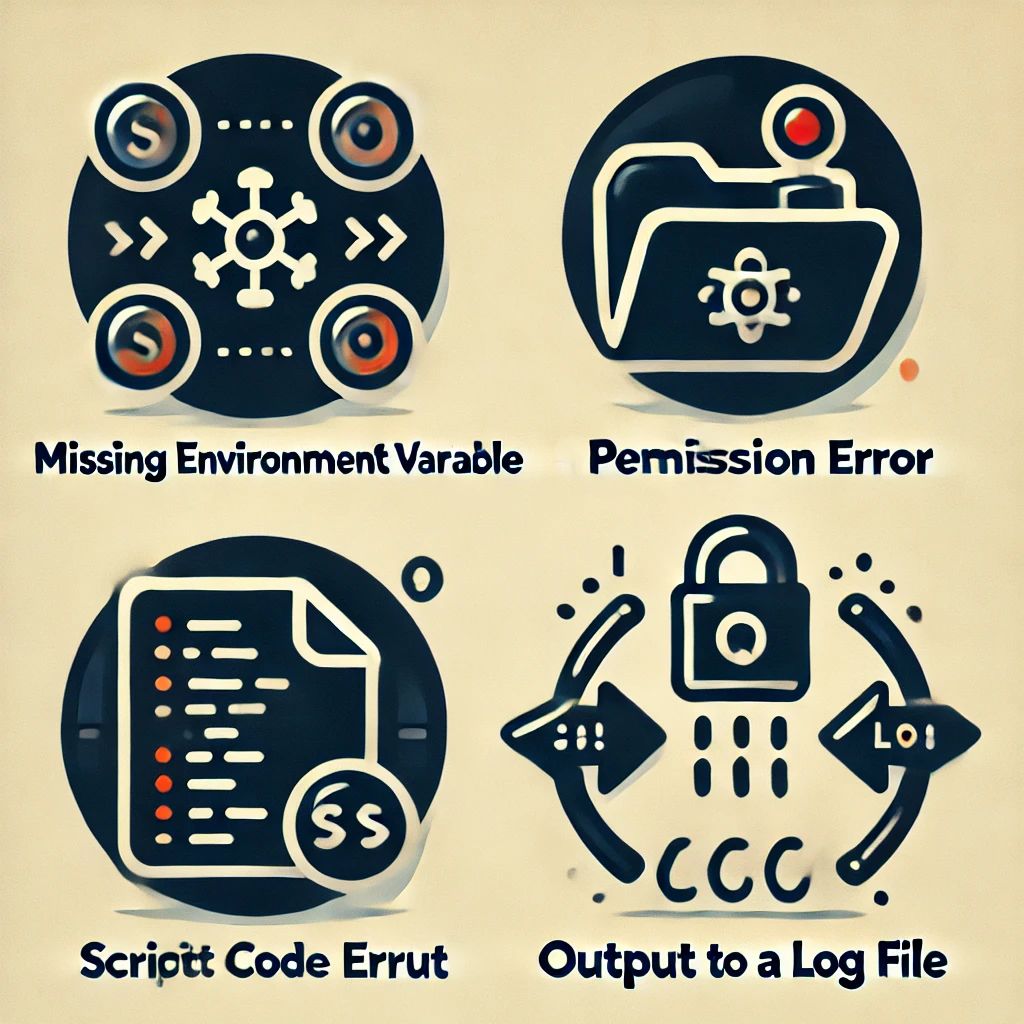
If you know exactly that rsyslog cannot start the script, check that it has sufficient permissions and that all pathes are correct (use absolute pathes!).
Besides that general advice, here are some common reasons why the problem can happen and suggestions for debugging:
Continue reading “What to do when an External Script does not work?”RSyslog Windows Agent 7.5b Released
Release Date: 2024-08-22
Build-IDs: Service 7.5.0.227, Client 7.4.0.315
Bugfixes |
|
You can download Free Trial Version of RSyslog Windows Agent.
RSyslog Windows Agent 7.5b Released
Adiscon is pleased to announce the release of Rsyslog Windows Agent 7.5 Build 227.
This update enhances stability and performance in the EventLog Monitor V2 Service. Key improvements include better handling of XML data and increased support for larger XML attribute values.
Detailed information can be found in the version history.
Version 7.5b is a free download. Customers with existing 6.x keys can contact our Sales department for upgrade prices. If you have a valid Upgrade Insurance ID, you can request a free new key by sending your Upgrade Insurance ID to sales@adiscon.com. Please note that the download enables the free 30-day trial version if used without a key – so you can right now go ahead and evaluate it.
RSyslog Windows Agent 7.5a Released
Release Date: 2024-05-29
Build-IDs: Service 7.5.0.226, Client 7.4.0.315
Bugfixes |
|
You can download Free Trial Version of RSyslog Windows Agent.
RSyslog Windows Agent 7.5a Released
Adiscon is proud to announce the 7.5a release of Rsyslog Windows Agent.
This update brings robustness and efficiency to the forefront. Key improvements include fixes for issues affecting large file logging and log rotation processes.
Detailed information can be found in the version history.
Documentation Improvement and AI
For a long time, I struggled with the daunting task of enhancing the documentation for Rsyslog. My extensive knowledge of Rsyslog technology often made it challenging for me to create user-friendly documentation, especially for individuals with little to no syslog background. Additionally, as a non-native English speaker, I was aware that some of my sentences might be harder to understand than desired. But thanks to the breakthroughs in generative artificial intelligence (AI), the game has changed, and a new era of documentation improvement has begun.